The practice of combining multiple exposures into a single image invites us to move beyond the boundaries of reality and into the realm of the surreal. By layering moments, we can create dreamlike, evocative photographs that expand the possibilities of imagination, storytelling, and personal vision.
In this workshop, we will explore the art and craft of visual layering across a wide range of photographic genres—from the intimacy of portraiture to the vastness of landscapes and the abstraction of still life. Join Manuela Thames as she shares techniques for weaving multiple moments into a single, compelling image.
What We Will Explore
Photoshop tools for creating multiple exposures:
Blending modes
Opacity
Masking
Adjustment layers
Blend If
Starting with two layers, we will eventually work on layering three or more images in Photoshop using a variety of techniques to realize your creative vision
In-camera multiple exposure settings and workflow
Understanding the logic of light: additive versus average exposure
in-camera blending modes
Exposure compensation when layering three or more exposures
Practical layering formulas and approaches
Learning how to see, plan, and pre-visualize successful multiple exposures
Through a combination of technical instruction, guided experimentation, hands-on practice, and personalized feedback, you will gain the skills and confidence to create expressive and evocative multiple-exposure images using both Photoshop and your camera.
The practice of combining multiple exposures into a single image invites us to move beyond the boundaries of reality and into the realm of the surreal. By layering moments, we can create dreamlike, evocative photographs that expand the possibilities of imagination, storytelling, and personal vision.
In this workshop, we will explore the art and craft of visual layering across a wide range of photographic genres—from the intimacy of portraiture to the vastness of landscapes and the abstraction of still life. Join Manuela Thames as she shares techniques for weaving multiple moments into a single, compelling image.
What We Will Explore
Photoshop tools for creating multiple exposures:
Blending modes
Opacity
Masking
Adjustment layers
Blend If
Starting with two layers, we will eventually work on layering three or more images in Photoshop using a variety of techniques to realize your creative vision
In-camera multiple exposure settings and workflow
Understanding the logic of light: additive versus average exposure
in-camera blending modes
Exposure compensation when layering three or more exposures
Practical layering formulas and approaches
Learning how to see, plan, and pre-visualize successful multiple exposures
Through a combination of technical instruction, guided experimentation, hands-on practice, and personalized feedback, you will gain the skills and confidence to create expressive and evocative multiple-exposure images using both Photoshop and your camera.

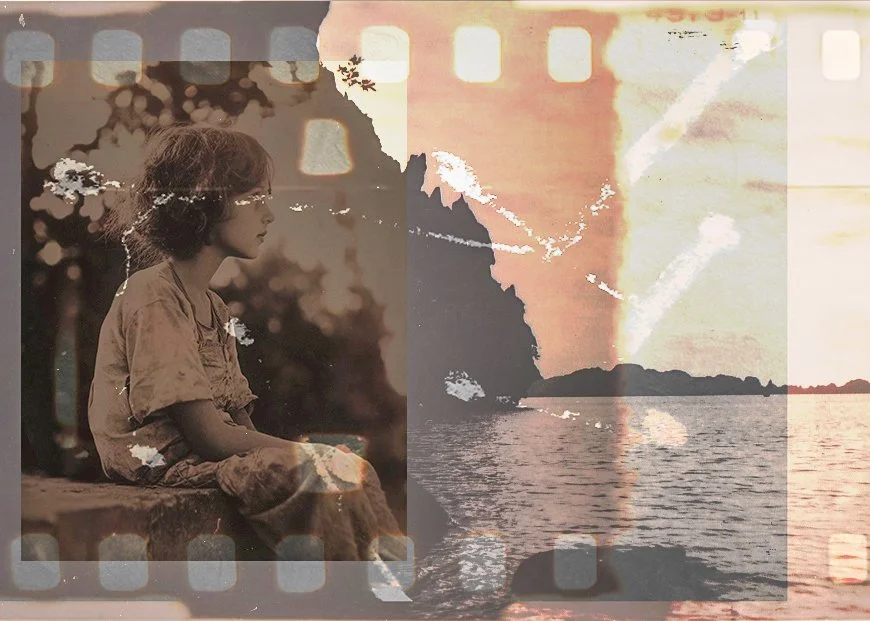 Image 1 of 7
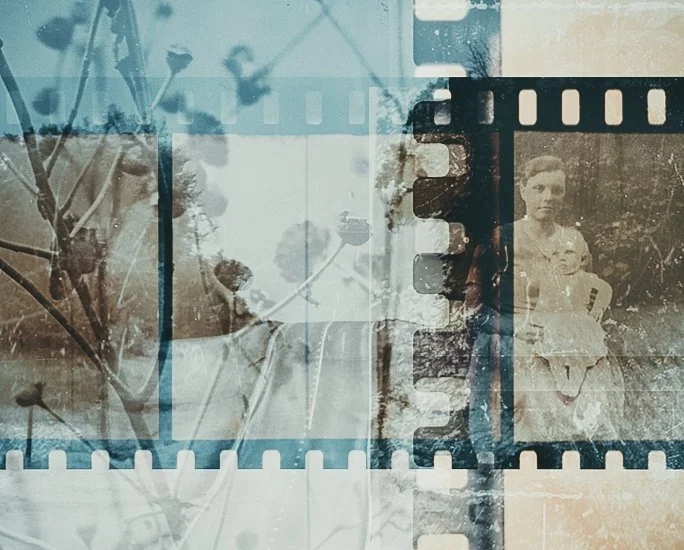 Image 2 of 7
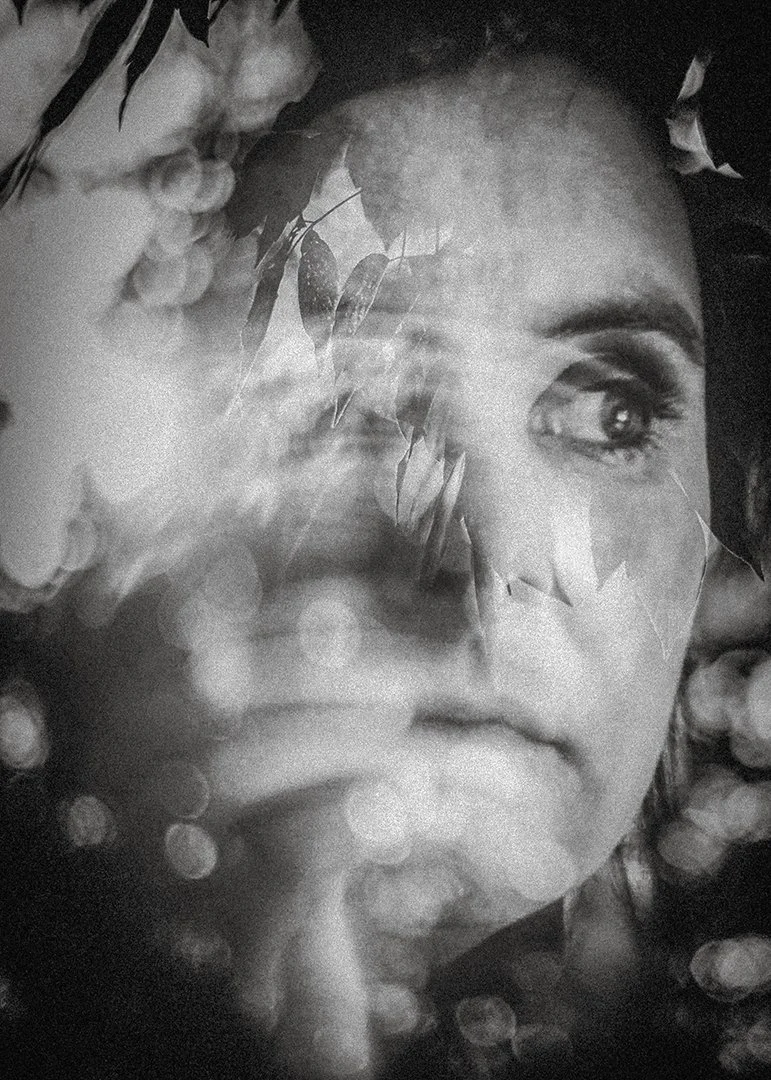 Image 3 of 7
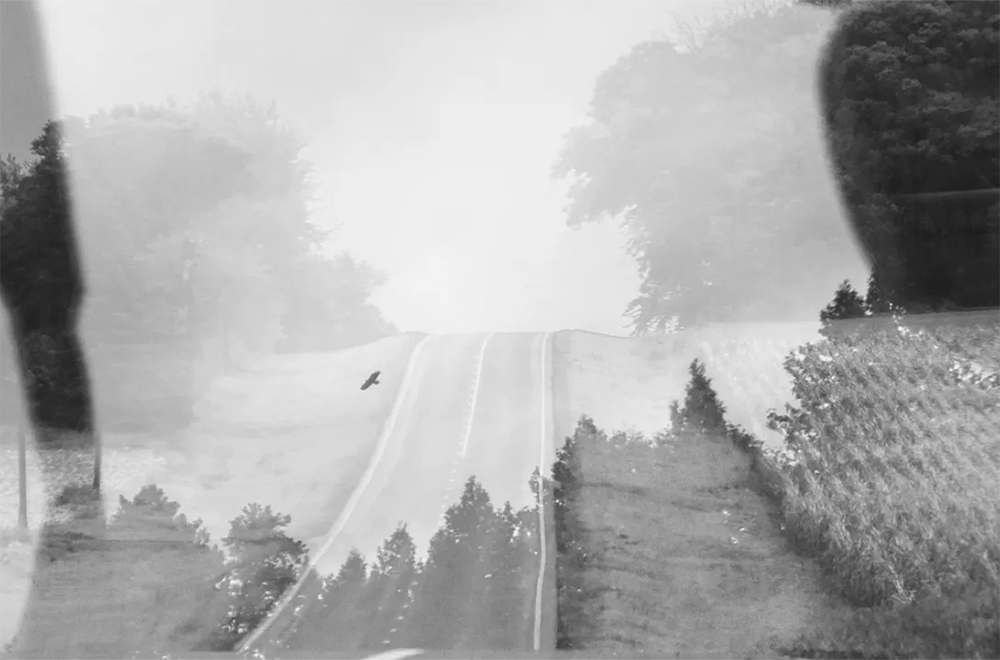 Image 4 of 7
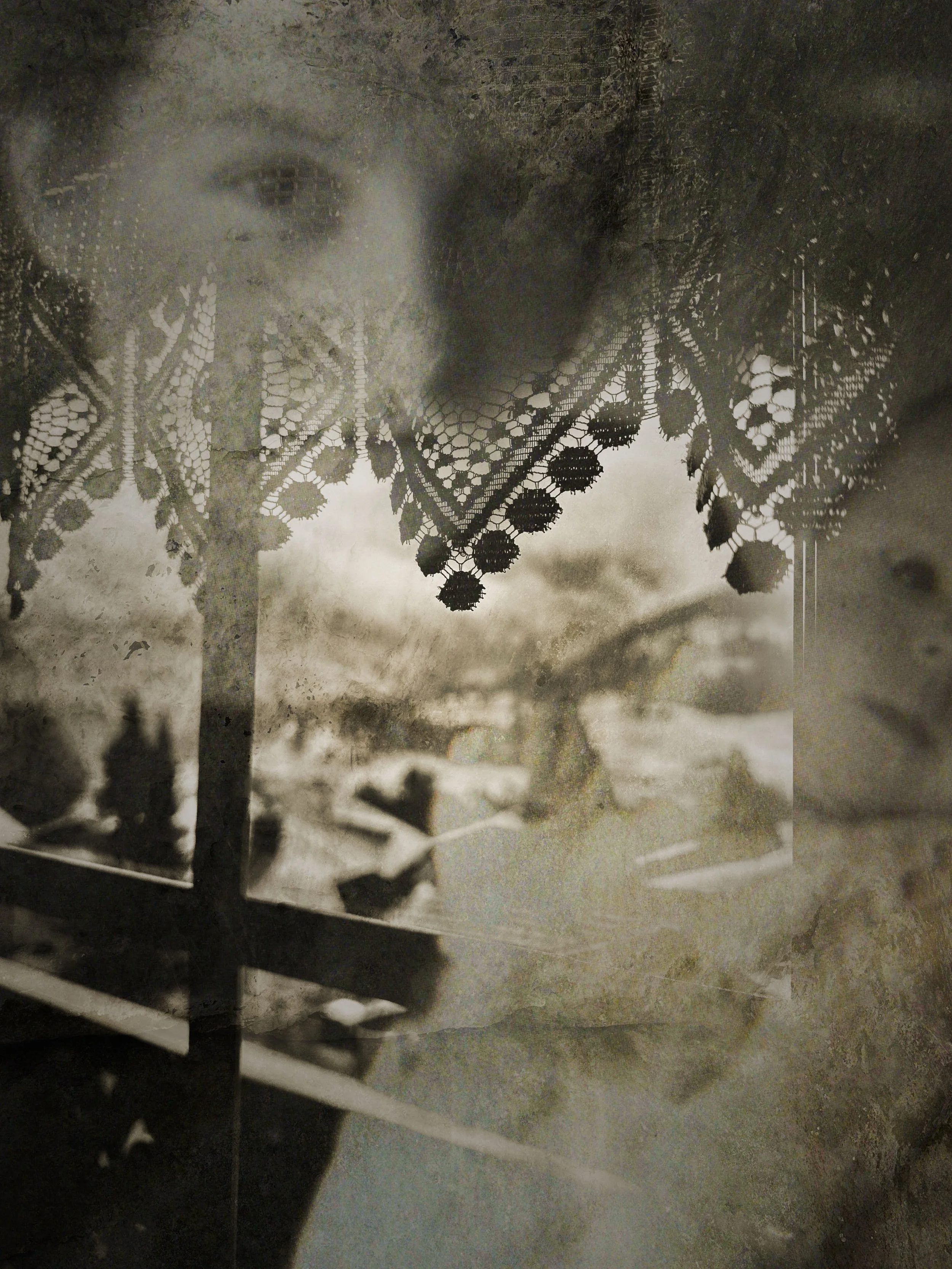 Image 5 of 7
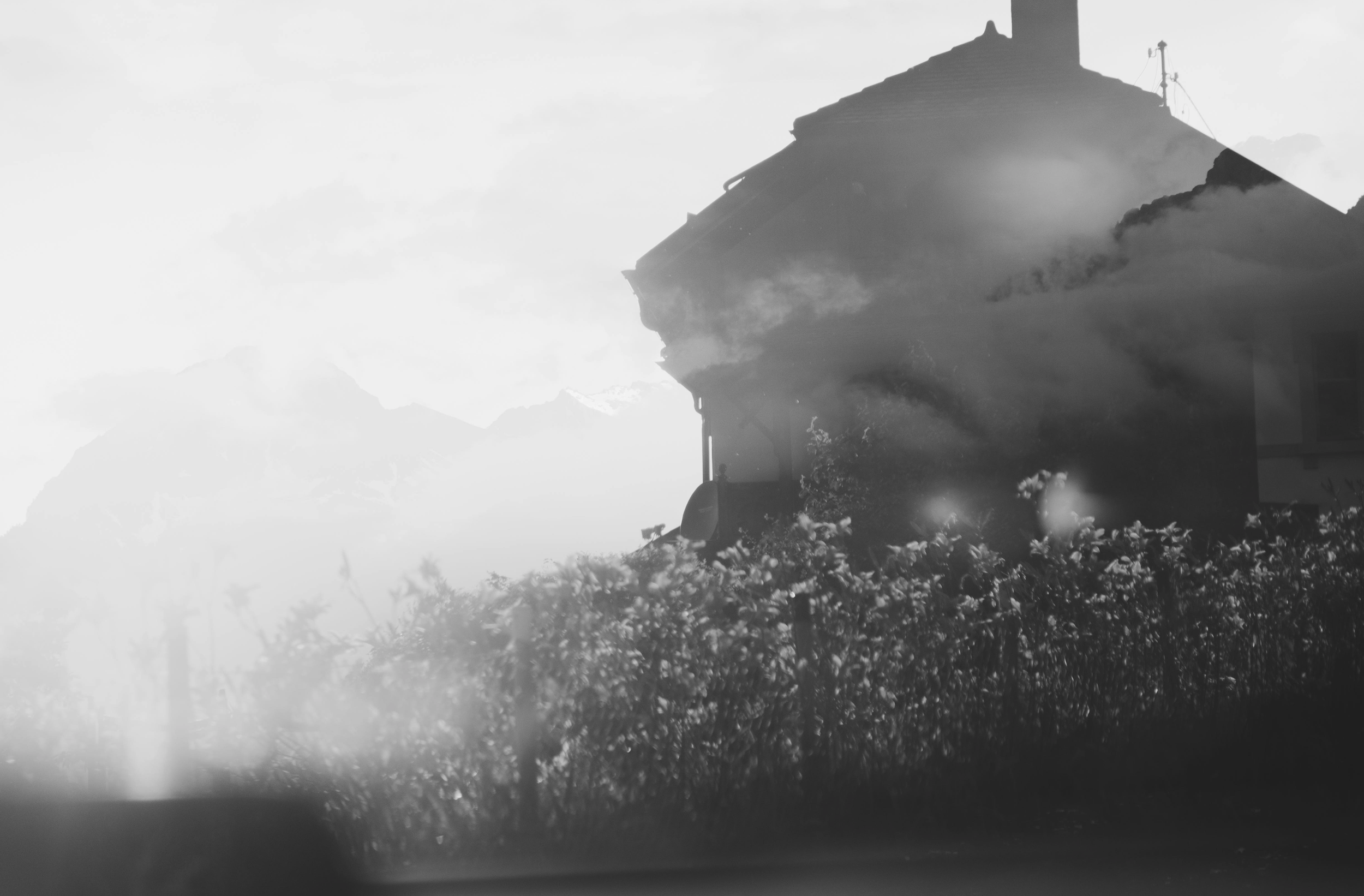 Image 6 of 7
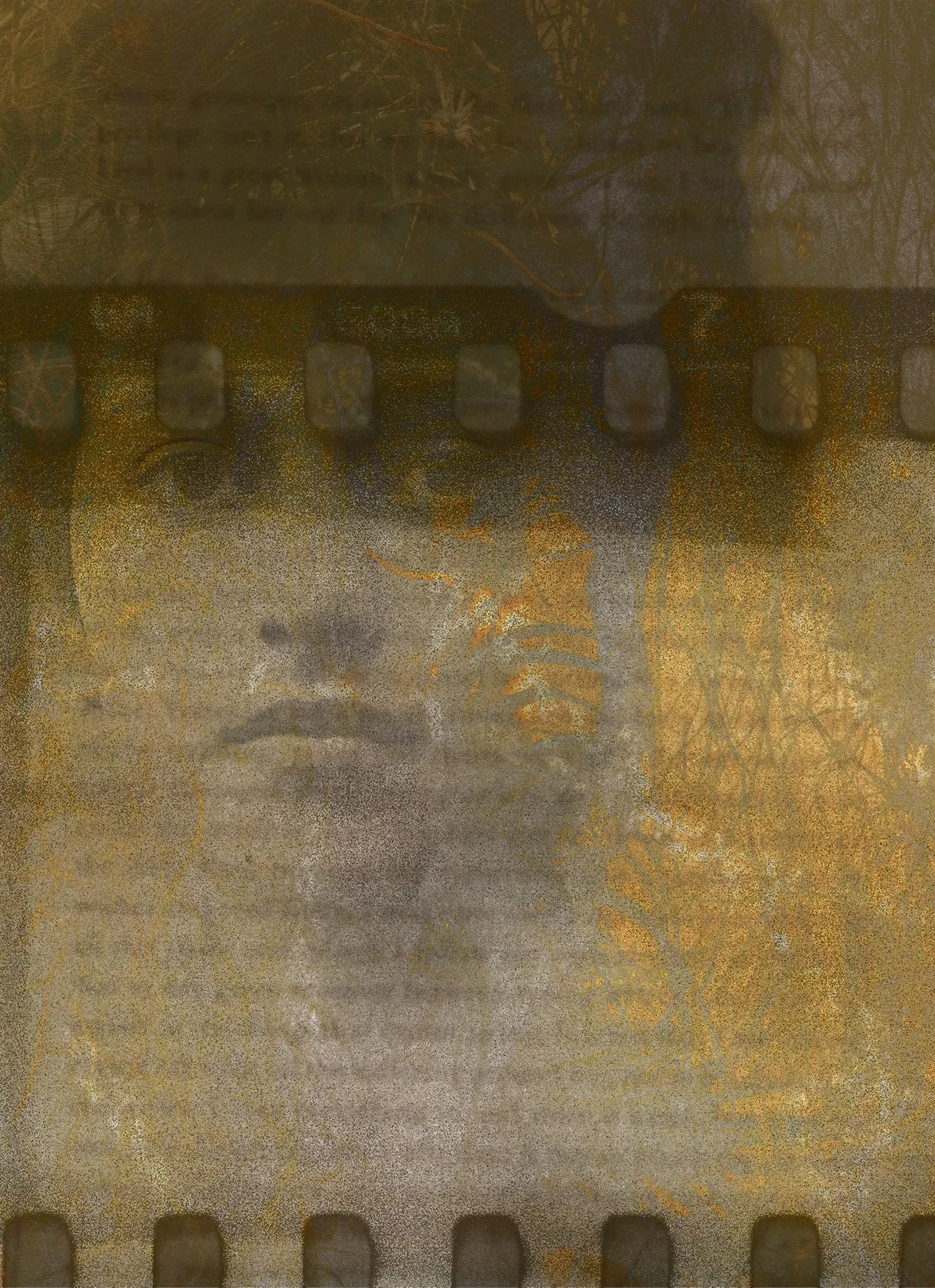 Image 7 of 7